
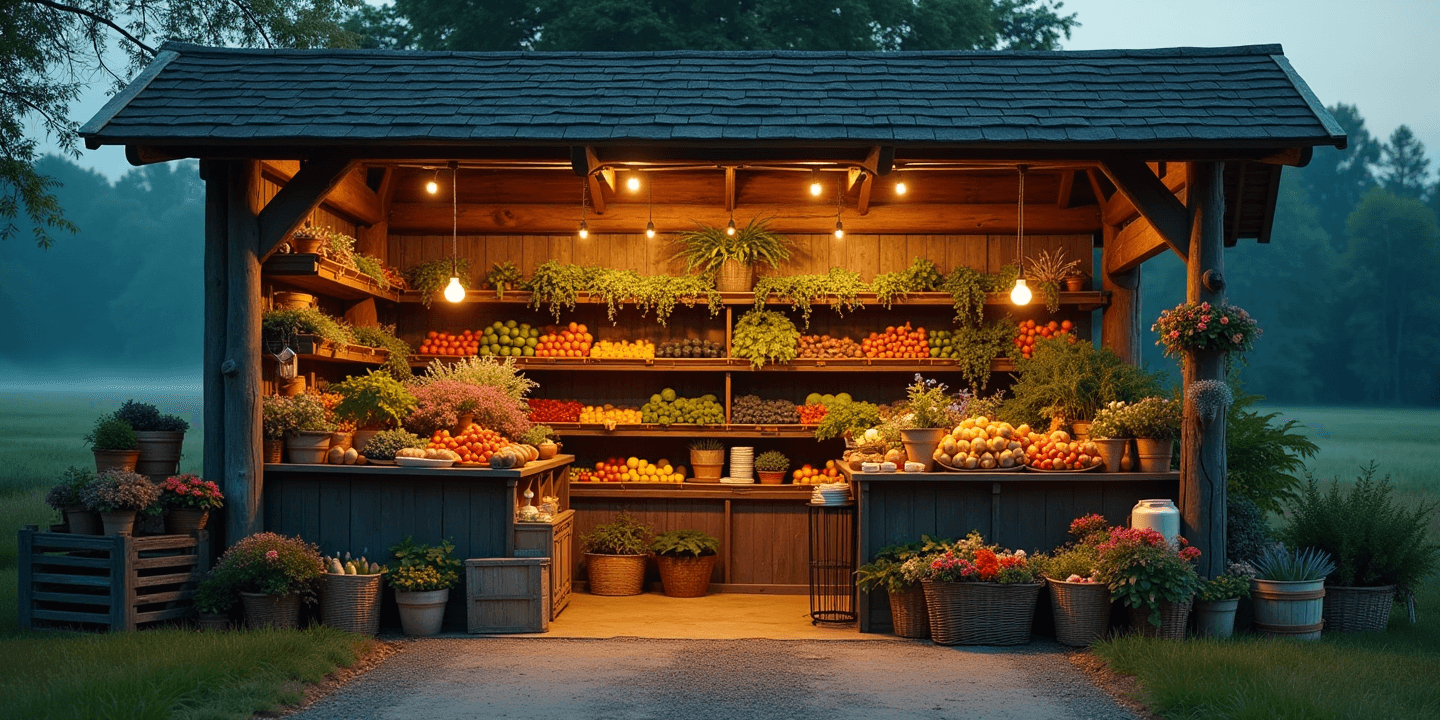
Card payments at the curb,
no cash box required.
JoeFlow's farm-stand lane is the shortest path from your table to a paid order: print the QR sign, customers scan and shop — no app, no account — and pay by card through your own Stripe. Stock, prices, and low-stock alerts live in the same workspace, and wholesale orders go out as invoices with pay links. Everything included, nothing you don't need.
How the work flows
The roadside stands & cart vendors loop, end to end
Each step runs in the same workspace, on the same data — nothing re-typed, nothing exported.

- 1
Stock the standCatalog · Stock
Items and prices in the catalog, per-location counts in stock — the market stall, the barn, the truck.
- 2
Print the signStand
One QR sign for the counter, generated and printed straight from JoeFlow. It never goes stale — prices stay current.
- 3
Scan & payStand · Stripe
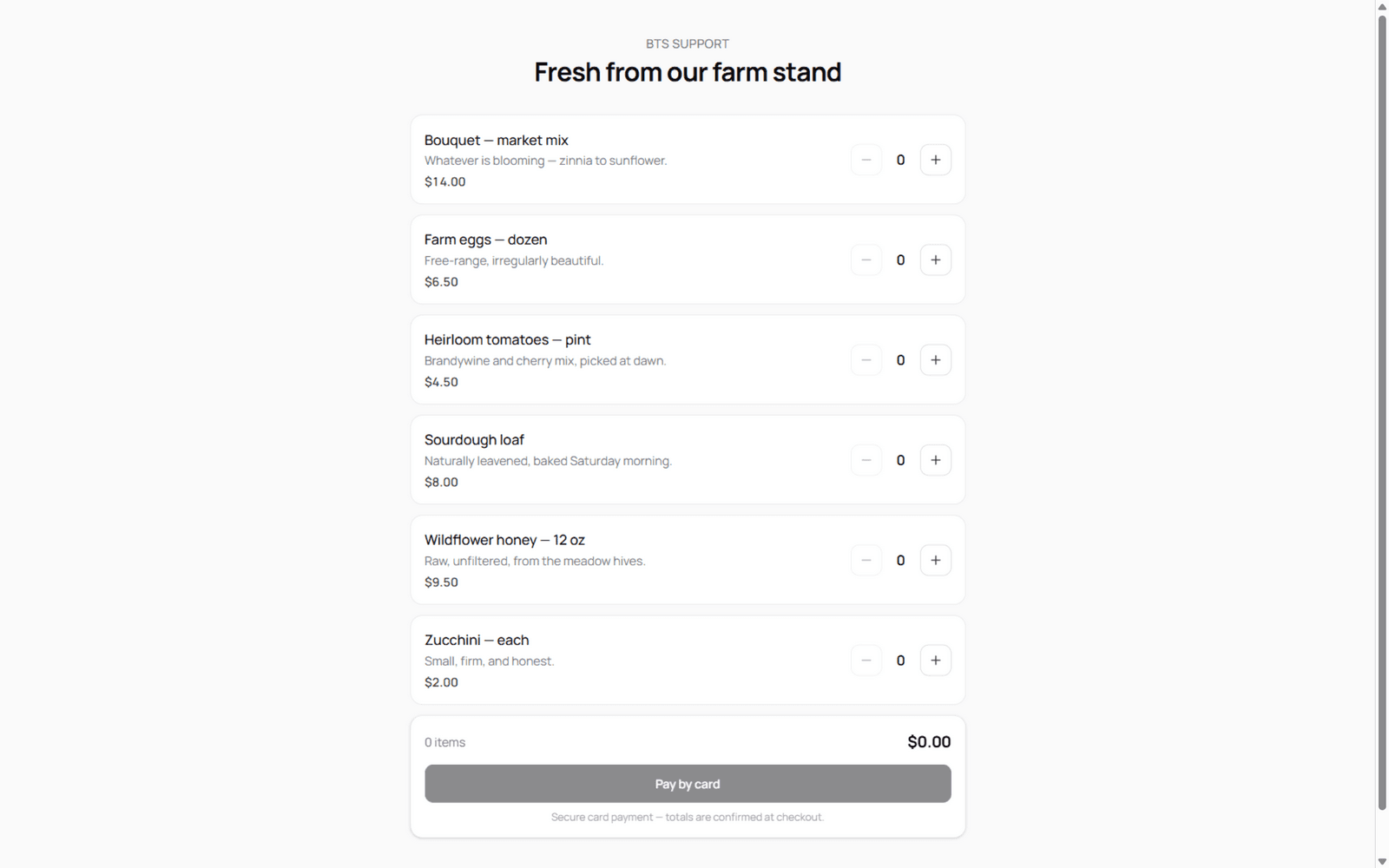
Customers scan, browse, and check out as guests — cards processed through your own Stripe account.
- 4
FulfillStock
The order lands in JoeFlow; fulfilling it posts the sale and the cost of goods to the ledger.
- 5
Restock smartStock · Acquisition
Low-stock alerts flag what sold out before the next market; backorders and vendor sync keep the shelf full.
The headline act
A QR code is your card reader
No terminal rental, no per-tap hardware, no monthly fee on top of the interchange. The stand's QR sign opens your storefront — customers build a cart and pay by card through a hosted Stripe checkout funded by YOUR Stripe keys. JoeFlow never marks up the meter; the money settles in your account.
- Print the QR sign from Settings — one token, printable at any size, regenerable anytime
- Guest checkout: customers shop without an app or account; the server re-prices every line
- Card payments ride hosted Stripe Checkout on your own BYOK keys — you pay Stripe's rate, not ours
- Orders become real sales: fulfill once, stock decrements with cost of goods attached
- Low-stock alerts before the weekend market; wholesale orders as invoices with pay links
Built for this work
What roadside stands & cart vendors gets out of the box
Not a roadmap — every one of these ships today, included for every user.
QR storefront + printable sign
Your stand gets a public page and a print-ready QR sign — tape it to the counter, the crate, or the farm gate.
Card payments, your Stripe
Hosted checkout through your own Stripe account. No hardware, no markup, no waiting on payouts you can't see.
Guest orders, honest prices
Customers order without accounts; the server re-prices from your catalog so a stale screenshot never sets a price.
Stock that counts itself
Fulfillment posts sale movements with cost of goods; counts, transfers, and per-location on-hand keep the barn and the booth in sync.
Low-stock alerts
Eggs, honey, tomatoes — when on-hand drops past the reorder point, the alert lands before the next market day.
Wholesale without the awkward call
Restaurant and CSA orders become invoices with public pay links — card or ACH through the same Stripe account.
Modules this workspace leans on
Pre-selected by the setup wizard — and since every module is on for everyone, the rest are one toggle away.
Plays well with
Explore more industries
Construction management
Quote jobs, keep sites stocked, and invoice the build — change orders, draw schedules, and a client portal included.
Skilled trades
Service calls and installs — plumbing, HVAC, electrical, and more, booked to paid in one flow.
Field & property services
Lawn, pool, cleaning, pest — recurring routes that book and bill themselves.
Auto detailing
Detailing, tint, and wraps — booked, polished, photographed, rebooked.
Auto repair
Estimates, repair orders, and parts — from drop-off to pickup.
Moving & hauling
Moves, junk removal, and delivery — quoted, crewed, done.
Comparing tools?
See how JoeFlow stacks up against the platforms roadside stands & cart vendors teams use today — honest feature tables, published pricing, migration notes.
Set up your roadside stands & cart vendors workspace in minutes
Answer the wizard's questions and start with the modules that matter — the rest are already included whenever you need them.
Prefer to look around first? Explore a seeded demo workspace — no account needed.